Find Your Workspace ID
Copy the ID of a workspace from the workspace settings.
About This Task
Each workspace in Haystack Enterprise Platform has an ID. Some URLs and integrations use the ID instead of the workspace name. For example, when you:
- Connect an MCP client to a Gateway MCP server. For details, see Use Your Services as MCP Tools.
- Connect n8n to a Gateway MCP server. For details, see Use Your Pipelines as Tools in n8n.
Copy the Workspace ID
-
In Haystack Enterprise Platform, click your profile icon in the top right corner and select Settings.
-
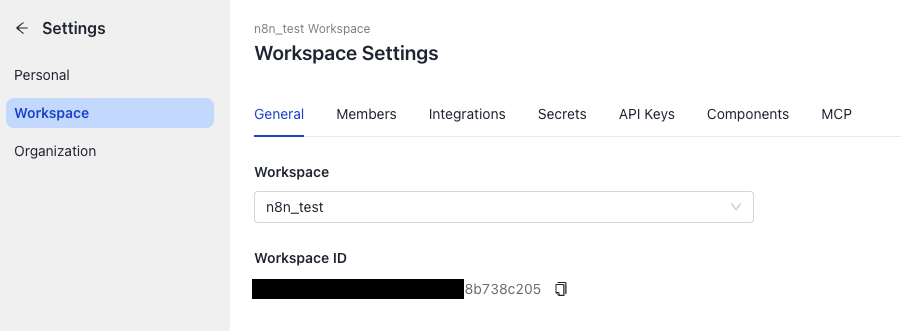
Go to Workspace and open the General tab.
-
Select the workspace you want to use.
-
Click the copy icon next to the Workspace ID.
Related Information
Was this page helpful?