Pipeline Connections
Components in a pipeline connect when the output type of one component matches the input type of the next. Pipelines in Haystack Enterprise Platform are flexible: you can build simple pipelines that do one thing, such as answer queries, or complex workflows with branches and loops.
Smart Connections
In most cases, the types of connected components must match. For certain type combinations, Haystack Platform pipelines also support smart connections, which convert or merge data for you:
Listtypes: You can connect multiple lists of the same type to a component that accepts a list as input. For example, you can connect multipleConvertersthat produce lists of documents to aDocumentWriterthat accepts a list of documents. The pipeline combines the lists into a single list and passes it to the component. This works for lists of documents, lists ofChatMessageobjects, and lists of strings.StringtoChatMessage: Astringautomatically converts to aChatMessagewith the user role. This is useful when you pass plain text to aChatPromptBuilderorChatGenerator.ChatMessagetostring,list of strings, orlist of ChatMessage: The pipeline extracts thetextattribute as a string. If the message has no text, the pipeline raises an error. This makes it possible to connect aChatGeneratorto inputs such as the query parameter of aRetriever.List of stringto astringorChatMessage: The pipeline uses the first string. For example, anOpenAIChatGenerator'srepliescan connect toOpenSearchHybridRetriever'squery.List of ChatMessageto a singleChatMessageorstring: The pipeline uses the first message, for example, as a query. For example,OpenAIChatGenerator'smessagescan connect toOpenSearchHybridRetriever'squery.
Smart Connections Between Components
This table shows component-level connections for both list merging and type conversions:
| Sender | Receiver | What Happens |
|---|---|---|
| BM25 Retriever, Embedding Retriever output: documents | Rankers (for example, SentenceTransformersSimilarityRanker) input: documents | List merge |
| Ranker or multiple retrievers output: documents | PromptBuilder, AnswerBuilderinput: documents (if configured in the template) | List merge |
| Ranker or multiple retrievers output: documents | ChatPromptBuilder input: documents | List merge |
| Multiple converters output: documents | DocumentSplitter input: documents | List merge |
Multiple converters or DocumentSplitter output: documents | DocumentWriter input: documents | List merge |
Multiple converters or DocumentSplitter output: documents | Document Embedders (for example SentenceTransformersDocumentEmbedder) input: documents | List merge |
ChatPromptBuilder output: prompt DeepsetChatHistoryParser output: messages | Agent input: messages | List merge |
| Generator, ChatGenerator output: replies | Retriever, Ranker, AnswerBuilder input: query PromptBuilder input: question | List of ChatMessages converted to string |
ChatGenerator output: replies | AnswerBuilder input: replies | Type conversion |
Agent output: last_message | SentenceTransformersTextEmbedder input: text Retriever input: query | Type conversion |
Smart connections make many "glue" components like DocumentJoiner, ListJoiner, and OutputAdapter unnecessary. To learn how to update your existing pipelines, see Simplify Your Pipelines with Smart Connections.
Connection Validation
When you connect components in a pipeline, the platform validates that their outputs and inputs match and, if needed, produces detailed errors. In Builder, these validation errors appear in the Issues panel at the bottom of the canvas. Click Inspect next to an issue to jump directly to the incompatible connection or misconfigured component. Click Fix with AI to open the AI assistant, which reasons through the fix and can apply it for you.
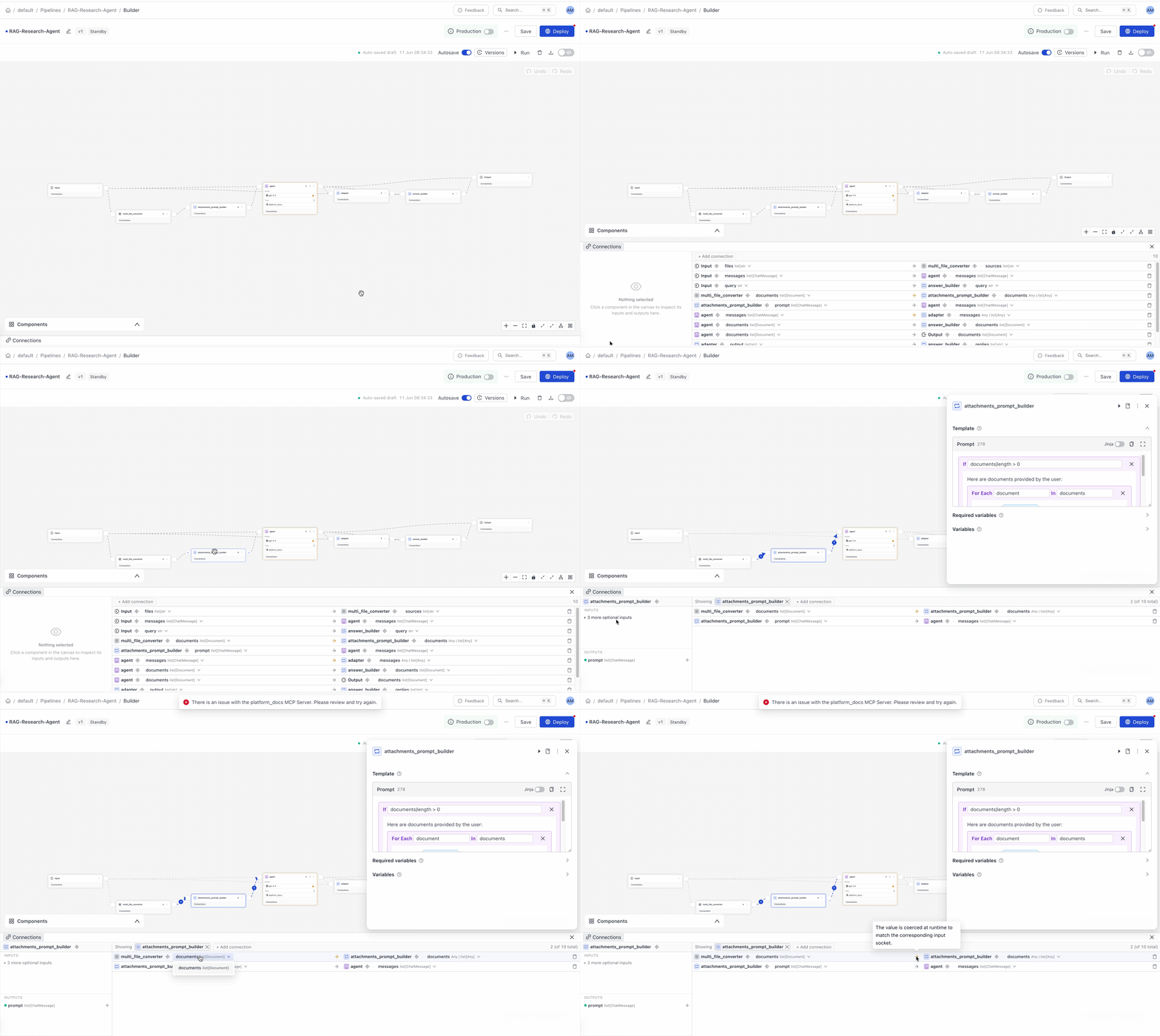
You can manage all your connections in the Connections panel at the bottom of the canvas.
Branches
Pipelines can branch to process data simultaneously. For example, each pipeline branch can have a different converter, each dedicated to a specific file type, allowing for efficient parallel processing.
Loops
In loops, components operate iteratively, with a set limit on repetitions. This is useful in scenarios such as self-correcting loops, where a validator component checks the generator's output and potentially cycles it back for correction until it meets the quality standard and can be sent further down the pipeline.
Related Information
Was this page helpful?