Release 2026.7
July 2026 brings updates to how agent pipelines handle chat history and adds more control over pipeline versions.
More Control Over Pipeline Versions
Two new actions are now available in the pipeline versions list in Builder:
- Finalize — converts a draft version into a permanent, numbered version. Use this when you want to lock in a draft without deploying it.
- Set as default — marks a non-draft version as the default. The default version is used by endpoints when a request identifies a pipeline by name or ID but does not specify a version. Default versions appear with a gold star Default tag in the versions list.
For details, see Manage Pipeline Versions.
July 2026 brings an AI assistant in Builder and updates to how agent pipelines handle chat history.
AI Assistant in Builder
Builder now has a built-in AI assistant you can chat with directly in the pipeline editor. Click AI Assistant to open the chat panel and start a conversation.
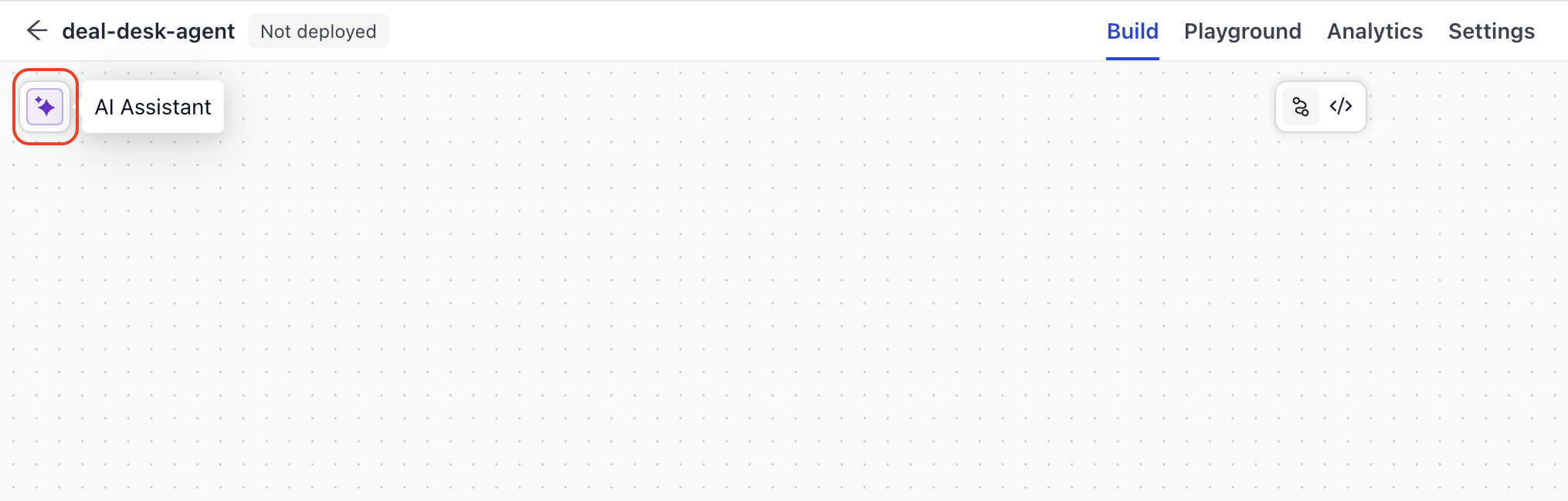
The AI assistant was designed with debugging in mind — you can describe a pipeline issue, paste error messages, or ask it to help you understand unexpected behavior. But it's not limited to debugging: you can also use it to get help with pipeline design, understand how components work, or explore other use cases as you build.
When you have issues listed in the Issues panel, you can also click Fix with AI next to any issue. The AI assistant opens, reasons through the fix, and can apply it for you.
For details, see Debug with Builder.
Bedrock Prompt Caching
Amazon Bedrock models now support prompt caching for system prompts. You can set the system_cachepoint_config_ttl for models hosted on Amazon Bedrock to cache your system prompt for 5 minutes ("5m") or 1 hour ("1h"), reducing latency and cost for repeated requests that share the same system prompt. The system prompt must stay static, with no parameters, for the cache to work. For details, see AmazonBedrockChatGenerator and Use Amazon Bedrock Models.
Full Message History for Agent Pipelines Beta
You can now control how much chat history is replayed to agent pipelines on each turn using the chat_history_granularity setting. By default, the platform sends only user query and final answer pairs to the pipeline (QUERY_ANSWER). Setting granularity to ALL_MESSAGES sends the complete message trace from the previous turn — including tool calls, tool results, and reasoning steps — so agents retain full context across follow-up requests.
You can set this per request through the API or as a pipeline-level default in the pipeline YAML under history.granularity:
history:
  granularity: all_messages
The API field chat_history_granularity accepts ALL_MESSAGES or QUERY_ANSWER (uppercase). The YAML field accepts lowercase values. If both are set, the API request value takes priority over the YAML default.
For details, see Agent Memory.
Pipeline Version ID In Search History CSV Export
The search history CSV export now includes a pipeline_version_id column. Each row in the export shows the ID of the pipeline version that served the query, so you can compare behavior across versions or investigate queries tied to a specific deployment. For details, see Monitor Pipeline Performance.
Was this page helpful?